Set winter hours on your Maps listing before Thanksgiving week so callers do not arrive on a day you are closed.
The hours on your map listing are a promise. When they are wrong, people call a dark shop or drive over because the pin still says open.
Thanksgiving week is when that shows up in a pile. Set the hours before the week starts, on the Google Business Profile that feeds Maps. Your site and your voicemail should match. The map is what they see first.
True on 2026-11-15 America/Chicago: Thanksgiving Day is Thursday, November 26, and that week has not started.
Holiday dates and winter weeks are different edits
Special hours are dates. Wednesday, November 25, might be a short day. Thursday, November 26, is closed if you take the holiday. Friday, November 27, might be closed too. Those rows end when the dates end. They do not rewrite every Thursday for the rest of the year.
Regular hours are the weekly pattern. Change them only when the week itself changes for the season: no more Saturdays, a later start, a shorter close. If December looks like October except for the holiday, leave regular hours alone.
Do the special dates first. If you only have twenty minutes, spend them there.
Set the dates before you open the editor
Write the list where you can see it beside the screen. From the Wednesday before Thanksgiving through the Monday after, mark each date: same as a normal week, close at a clock time, or closed all day. Include the Monday after so you do not close it by accident.
Decide emergencies before you type. If a person will answer, say how. If the phone will sit on a bench, the listing is closed. Do not publish emergency service unless someone will pick up.
Open the Google Business Profile customers already call. Confirm the name on the truck, the phone you answer, and the address you can drive to. If an old listing is still out there, edit the one people use, note the extra one, and merge it after this week.
Add each date as special hours and save it. Closed means closed. A short day needs an open time and a close time. Do not write "closed for the holiday" in the description and leave the hours showing open. Maps reads the hours, not the paragraph.
Only after those dates are saved, and only if the winter week is truly different, edit regular hours. Special hours win on the dates you set. If you flip the weekly pattern first and get interrupted, the holiday still shows the old week.
What a finished holiday list looks like
This is a sample, not a shop we are quoting. Use your own times.
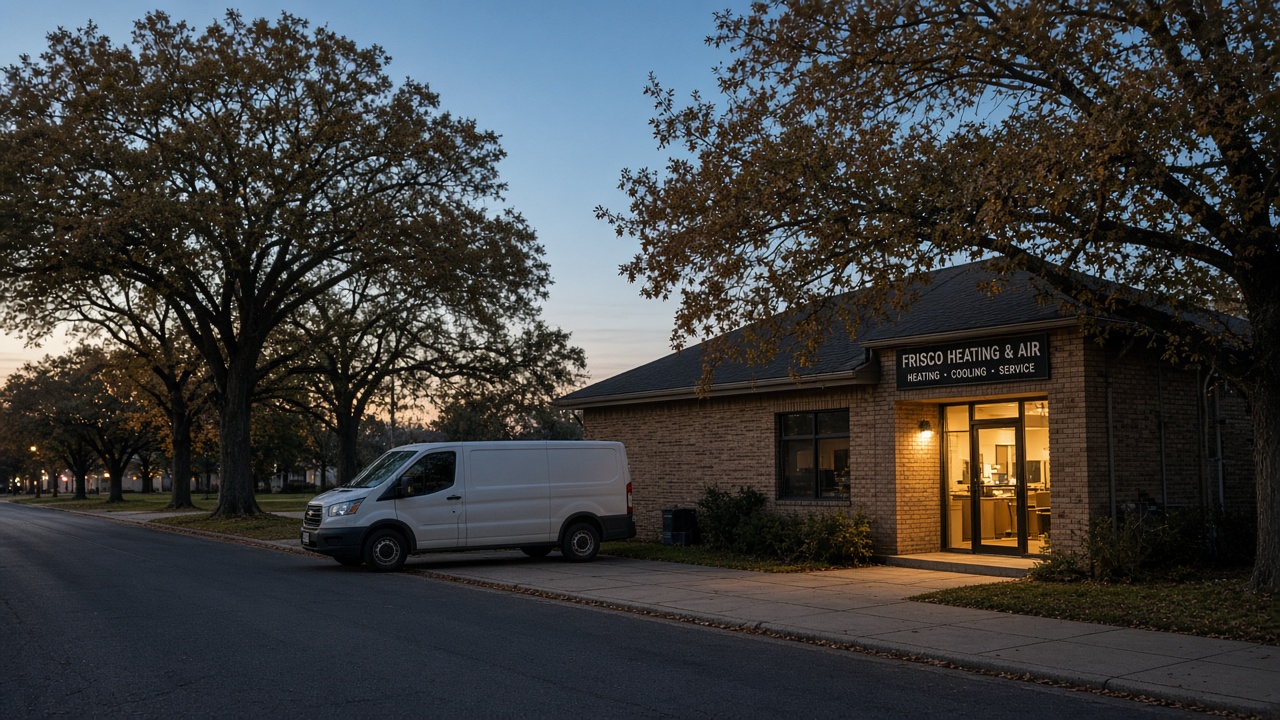
A heating and air company works Monday through Friday, 7:30 a.m. to 5:00 p.m., and Saturday, 8:00 a.m. to noon. The owner is off from Wednesday noon through Sunday. No emergency line. December weeks stay the same. Only the holiday changes.
- Wednesday, November 25: 7:30 a.m. to 12:00 p.m. - Thursday, November 26: closed - Friday, November 27: closed - Saturday, November 28: closed - Monday, November 30: 7:30 a.m. to 5:00 p.m., same as any Monday
Regular hours stay. Special hours cover November 25 through November 28. Do not set every Friday closed in the regular hours. Those Fridays stay dark into January. A holiday belongs in special hours so it expires. Do not put a price or a slogan in the hours fields, and do not add a holiday phrase to the business name.
When the winter week itself changes
A lawn crew that drops Saturdays after the leaves are down has a new regular week. Save the holiday dates first. Keep Saturday, November 28, as a special-hours row marked closed, then change the regular Saturday. On the first Monday after, regular hours should show the winter week, and Thanksgiving dates should still show closed.
If you are not sure the winter pattern is real, leave regular hours alone. You can shorten the week in December from a desk. You cannot undo a Thursday after someone drove over.
Check the listing a customer sees
Check the public pin on a phone that is not logged in as the owner. Search the business name and open the hours.
The closed day does not show open. The short day shows a real close time, not your usual evening close. The phone is one a person will answer on days you are open. The name and address did not change while you were editing hours. If they did, put them back.
Then match your site. Small business listings lose the call when Maps says closed and the footer still says Monday through Saturday. Change the hours line, or add one sentence with the closed dates and the day you reopen. If you cannot edit the site today, fix the greeting now and the footer when you are back. Do not add town names while you are in there.
Look once more the morning before Thanksgiving. A saved edit can lag on the public pin. Correct a booking line or an old holiday update that will be false next week. Leave photos alone. A new picture does not fix the clock.
What to leave out
Leave the rest of the profile alone. Categories, the service list, and a long description are a different afternoon. Changing them the same day makes a bad save harder to spot.
Do not add a cell number you will not watch into January. If the office line is forwarded, call it and confirm. Do not put a review request in the hours fields.
If you already control another listing, match its hours to Maps for these dates. If you have never logged into a directory, write the name down and stop. Do not open new accounts the Tuesday before the holiday.
Do not expect this edit to raise you in search. Correct hours tell the truth to the person who looks you up. That is the job this week.
How to ask for reviews without sounding open
How to ask for reviews is separate. Do it on a day you are working.
Ask people whose job you finished in the last two weeks. Name the job. Give one link. If something is still wrong, ask them to call before they write. No discount, gift, or free visit for a review. Do not send the note on Thursday, when the listing says you are gone. Do not send it to every customer from the last three years.
Copy this and fill in the real job:
"We finished the [job] at your place on [day]. If the work was fair, a short review helps the next person choose. Here is the link: [your link]. If something still needs a fix, call this number before you write anything."
Use a model for the words, not for the clock
Draft the voicemail and the two-line note with a model. Type the hours yourself. Paste the paper list every time, and tell the model to keep every date and clock time.
Claude first. Ask for a voicemail under twenty seconds and a two-line note. No slogan. Say the reopen day once.
Don't have Claude? No problem.
GPT next. Cut anything a caller does not need. The script should say when you are closed and when you are back.
Don't have GPT? No problem.
Grok next. Compare the script to the paper list and flag any date that drifted.
Don't have Grok? No problem.
Gemini next. A calm tone pass. If a clock time changes, keep the earlier draft.
Don't have Gemini? No problem.
Perplexity last, and only if a holiday date is unclear. This year Thanksgiving is Thursday, November 26.
Don't have Perplexity? No problem. The calendar you built the list from is the check that matters.
If the script and the special-hours rows disagree, the rows win. Fix the script.
Before you leave it
Special hours for the short and closed dates. A look at the public pin from a phone that is not the owner login. The site line and the greeting matched to that pin. Regular winter hours only after those dates are saved, and only if the week itself is changing.
If you are staring at two profiles, a cancelled phone, or a name that is not on the truck, do not hide that inside a holiday save. Ethical AI is in Frisco, and the steps above are still yours to run. Book a short call if you want a second set of eyes on which listing is the real one before the week starts. Bring the paper list. You enter the hours yourself.
Then stop. Closed dates show closed, the short day shows a clock time, the site does not contradict the map, and the greeting names the day you reopen.
Ethical AI · Frisco, TX · 469-669-2728