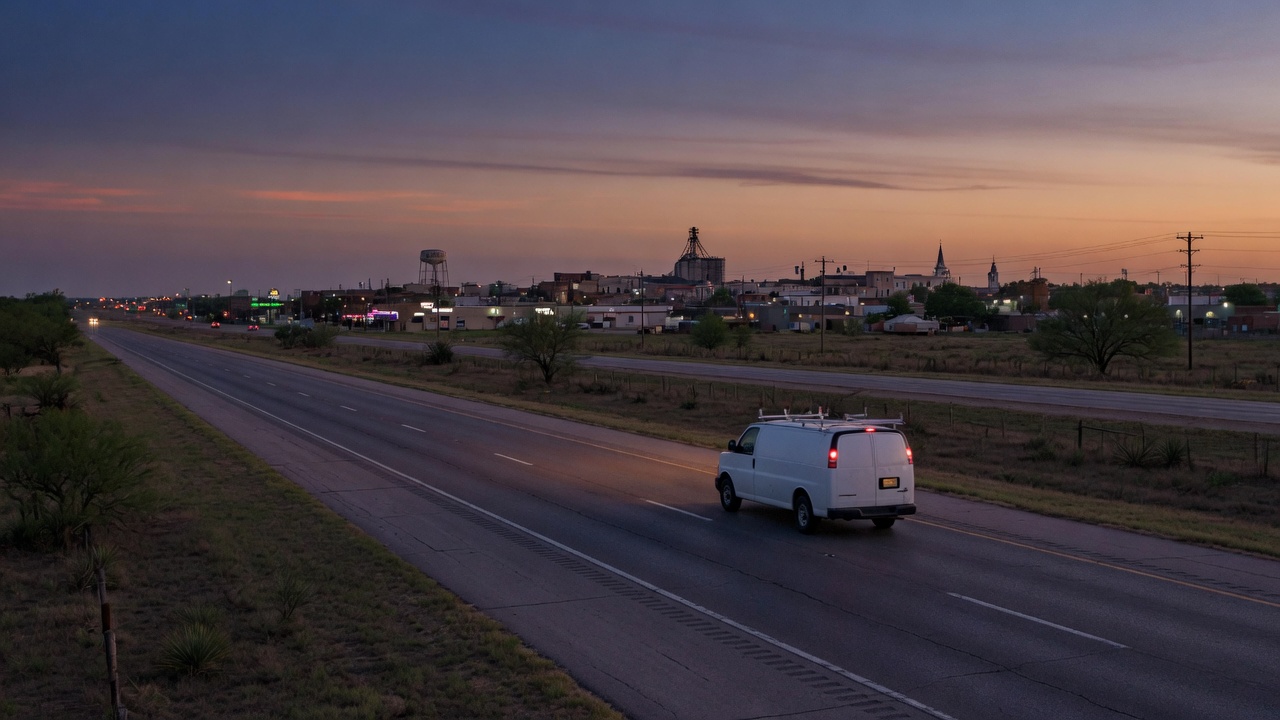
The website phone has to match the listing phone
A homeowner taps the number on your site. Another taps the number on the listing. If those taps ring different phones, you have two front doors. One of them opens into a room where nobody knows the job. Ethical AI is in Frisco, Texas. Use one number. The number on the truck. Put those same digits in the header, the footer, and the listing.
Two numbers split the shop
The split often looks small. The listing shows the number painted on the truck, the one you answer with the shop name. The website shows a tracking number a report asked you to install. Calls from the site go to a queue, a mailbox, or a greeting that does not say your name. Calls from the listing go to the office. The customer does not know they chose a door. They know the person who answered did not sound like the page they read.
That is how calls bounce. The visitor hangs up and dials the next shop. Or they call the listing number next and tell the story a second time, because the first call lived on the other line. Your office has no note of the first call.
A tracking line is not the goal. An answered call, under the public name, is the goal. If that tracking line is not the number you answer as the shop, it does not get to be the only number on the page. One number. The one on the truck.
The same digits, everywhere a customer looks
Start with the truck door. Read the digits out loud. That is the number. A transposed pair is a different shop. An extra digit is a different shop.
Open the listing the way a customer does, on your phone, from Maps. Do not check it only inside a settings screen you already believe. The digits on the listing match the card. If they do not, the listing is old or the truck is old. Fix the one that is out of date. Do not invent a third number to paper over the gap.
Then the website header. First screen. Large enough for a thumb. Same digits, as text a person can read, and as a real phone link. The link and the printed digits agree. A button that says Call and then dials a different line is a different company. Put that tap above any long form, where it can be found without a hunt. The first screen works the same way as click-to-call before the long form.
Then the footer. Same digits again. People who scroll to the bottom are still trying to call. The footer is not a shelf for the old number, a personal cell from years ago, or a tracking line someone forgot to remove. Header, footer, listing. Three checks. One number.
The invoice, the email signature, and the after-hours recording use those digits too. If the recording names another business, or the invoice shows a second line "for billing," the customer will dial whatever is in their hand. They will reach the wrong desk, and they will think you sent them there.
Take the second number off the page
If you want to know which calls started on the site, do it without a second public identity. The number people see and tap is the shop number. The one on the truck. The one on the listing. A report that only works if the public number changes is a report that costs calls. Keep the calls.
Do not print the tracking number in large type and the shop number in a whisper underneath. People tap the large one. Do not show the tracking number on the site and the shop number on Maps. That pair is the bounce. Do not forward the public number to a desk that answers with a generic greeting and does not know your city. If the person who picks up does not say your public name, it is not your phone yet.
If the tracking number is already on the site, take it off. Put the truck number back in the header and the footer. Call it. The voice that answers should be the shop. A magnet, a yard sign, or a flyer with a second number will beat a correct website once the customer is looking at the truck. Peel the old number. The public digits stay one set.
How the mismatch shows up at 4pm
Picture a no-cool call. The owner searches, opens your site, and taps the header. The tracking line rings a queue. Nobody picks up. They go back to Maps and tap the listing. Your office answers. The owner is already irritated and now tells the story twice. Your office cannot see the first attempt.
Picture the other direction. The listing is right. The footer still shows a number from years ago. That number now rings a stranger, or a phone in a drawer. The customer who scrolled calls the stranger. You never learn that you lost them. A card in the tech's pocket with a personal cell does the same split. Bring every public card back to the truck number.
Check the path, then stop adding lines
Open the site on a cell phone, on the cell network, not the office preview. Tap once. The dialer should fill with the truck number. Not a short code. Not an area code you do not answer. Then call from the header. Call from the footer. Call from the listing on Maps. Each one should reach a person who says the shop name before they ask for the address.
If a recording answers with another business, or the call falls into a mailbox nobody checks after lunch, fix who answers before you restyle the button. Ask one tech and one office person to find the number on the site and on Maps. If they find two, remove the extra the same day.
Put the truck number in the header as text and as a tap. Put it in the footer. Make the listing match. A new public number is not allowed unless the truck, the listing, and the invoices change the same day. If Maps still shows an old line after you edit it, keep the site on the truck number. Do not run both in public while you wait.
Tonight
- Read the digits on the truck and write them down.
- Put those digits in the header, the footer, and the phone link.
- Open the listing on Maps and make it the same number.
- Remove tracking numbers and retired numbers from those public places.
- Call the header, the footer, and the listing. Each answer should say the shop name.
When the numbers match, ask for the review the day the job is done, from that same number. When to ask for the review.
Need the number on the site to be the number you already answer? Start at get started. One number. The one on the truck. Ethical AI · Frisco, TX · 469-669-2728.